
开发者必藏!RK3576 RGA IM2D技术手册与实战测试
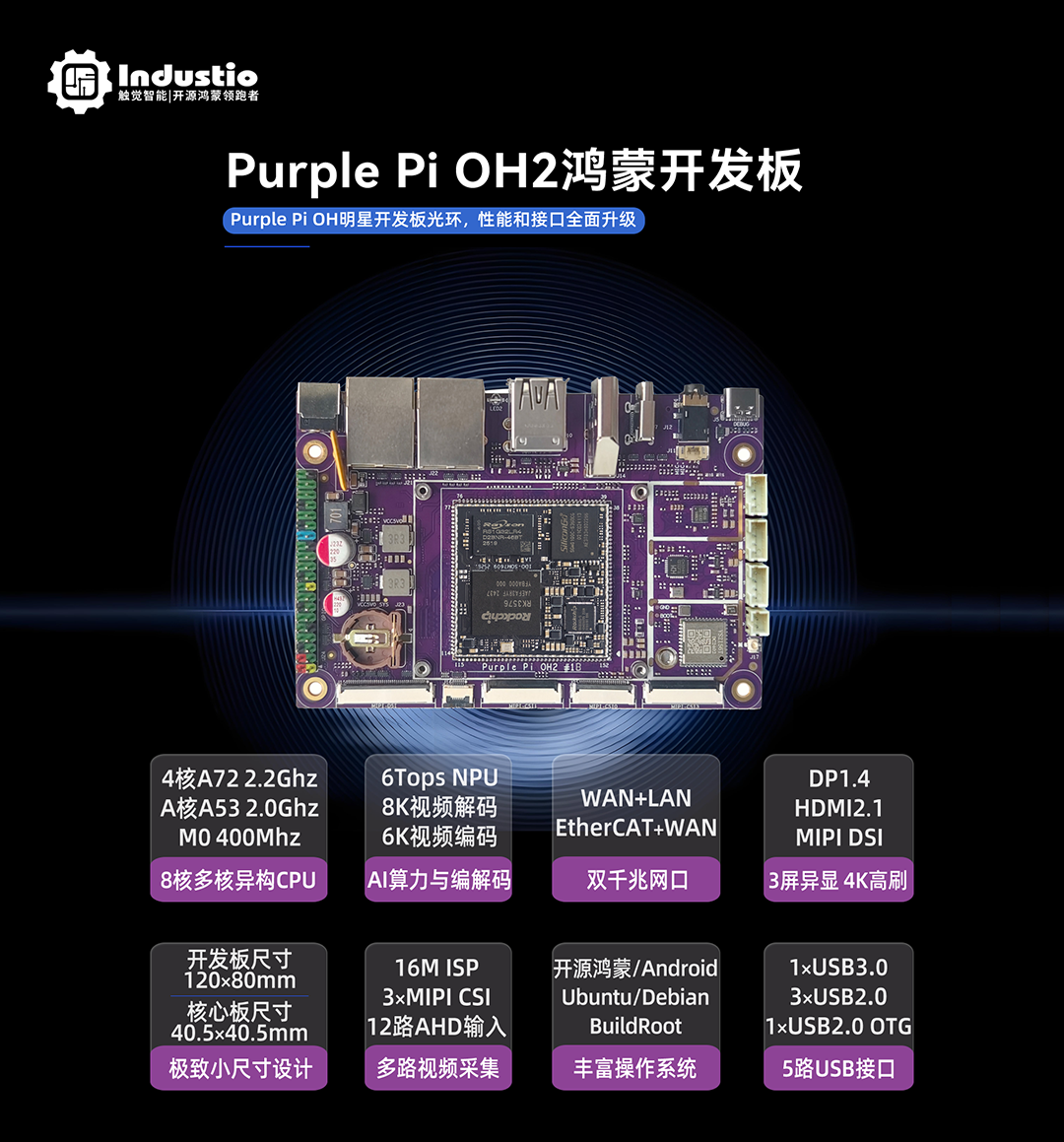
本文基于触觉智能RK3576核心板/开发板,介绍RGA IM2D进行图像处理,包括相关编译与测试方法。
RGA IM2D简介
- RGA
RGA(Rockchip Graphics Accelerator,瑞芯微图形图像加速引擎)的 IM2D(Image 2D) 是瑞芯微RK系列芯片(如RK3576、RK3562、RK3506、RK3588等)中集成的 2D 图形加速模块,专注于高效处理图像缩放、格式转换、旋转、叠加等 2D 图形操作。
- RGA应用场景
使用嵌入式系统的显示渲染、摄像头图像处理、UI 界面加速,如工业控制面板、智能家电、仪器仪表等。
编译RGA IM2D测试Demo
- 测试Demo说明
Linux SDK默认已提供RGA相关测试demo,源码路径:
/external/linux-rga/samples/im2d_api_demo
温馨提示:根据SDK名称定实际路径
- 补丁
默认的RGA demo不支持在RK3576上测试,需要打入补丁:
cd /external/linux-rga/samples/
git apply rga.patch
相关补丁资料获取请关注+留言,也可添加官方客服134-2385-6106。
- 编译应用程序
配置工具链路径、名称:
/external/linux-rga/toolchains/toolchain_linux.cmake
进入源码目录进行编译:
cd /external/linux-rga/samples/im2d_api_demo/
./cmake-linux.sh
编译生成的测试程序在目录: build/build_linux/rgaImDemo,将程序拷贝到开发板系统。
RGA功能测试
将如下路径的测试图像数据拷贝到开发板的/data目录下:
/external/linux-rga/samples/sample_file/

说明: in0w1280-h720-rgba8888.bin、 in1w1280-h720-rgba8888.bin
为RGBA8888格式二进制的源图像文件,分辨率默认为1280x720。
- 测试说明
RGA 支持测试图像旋转、裁剪、填充、缩放等功能,下述仅演示部分常见图像处理功能,更详细的功能测试参考官方RGA文档,可联系触觉智能获取(客服134-2385-6106)。
- 测试图像旋转功能
核心API接口参数:
IM_STATUS imrotate(const rga_buffer_t src,rga_buffer_t dst,int rotation,int sync = 1,int *release_fence_fd = NULL);
#接口核心参数说明
src:输入图像缓存
dst:输出图像缓存
rotation:旋转角度
测试程序支持90° 、180°、270°旋转:
rgaImDemo --rotate=90
rgaImDemo --rotate=180
rgaImDemo --rotate=270
本次测试以旋转90°为例进行演示:
./rgaImDemo --rotate=90
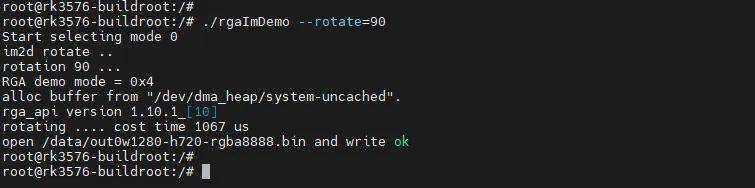
使用ffmpeg工具将,RGB图像数据转.png图片格式查看旋转效果。
旋转前的图像格式转换(示例图片命名为output.png):
ffmpeg -f rawvideo -pixel_format rgba -video_size 1280x720 -i in0w1280-h720-rgba8888.bin output.png
未处理前的图像:
旋转后的图像格式转换(示例图片命名为output1.png):
ffmpeg -f rawvideo -pixel_format rgba -video_size 720x1280 -i out0w1280-h720-rgba8888.bin output1.png
旋转效果后的图像:

- 测试图像缩放功能
核心API接口参数:
IM_STATUS imresize(const rga_buffer_t src,rga_buffer_t dst,double fx = 0,double fy = 0,int interpolation = INTER_LINEAR,int sync = 1,int *release_fence_fd = NULL);
#接口核心参数说明
src:输入图像缓存
dst:输出图像缓存
fx:X轴缩放系数
fy:y轴缩放系数
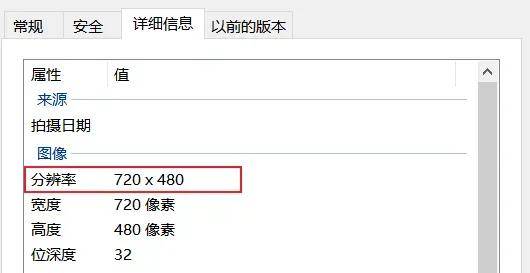
图像分辨率支持放大至1920x1080或缩小至720x480:
rgaImDemo --resize=up
rgaImDemo --resize=down
参数说明:
up :图像分辨率放大至1920x1080
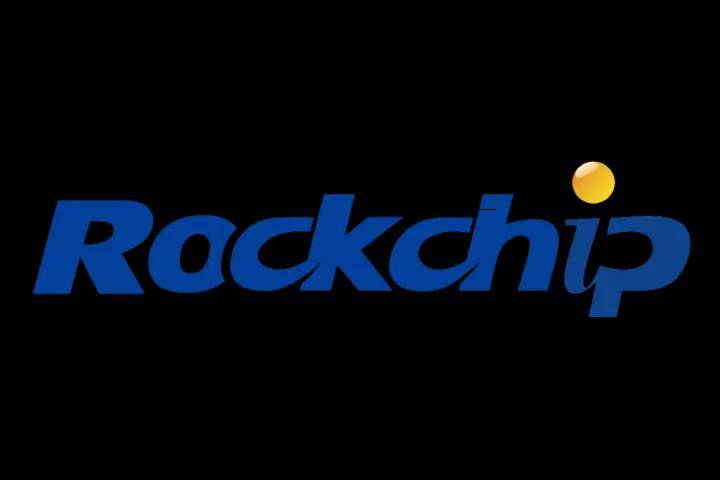
down :图像分辨率缩小至720x480
以将图像分辨率缩小至720x480分辨率为例进行演示:
./rgaImDemo --resize=down
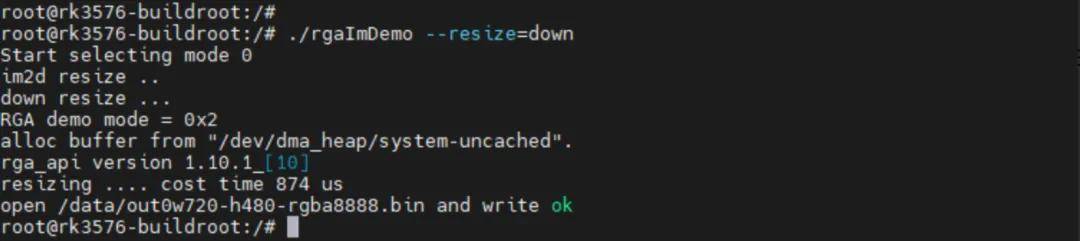
缩放效果:
- 测试图像颜色填充功能
核心API接口参数:
IM_STATUS imfill(rga_buffer_t dst,im_rect rect,int color,int sync = 1,int *release_fence_fd = NULL);
#接口核心参数说明
dst:输出图像缓存
rect:填充颜色的区域
color:填充颜色
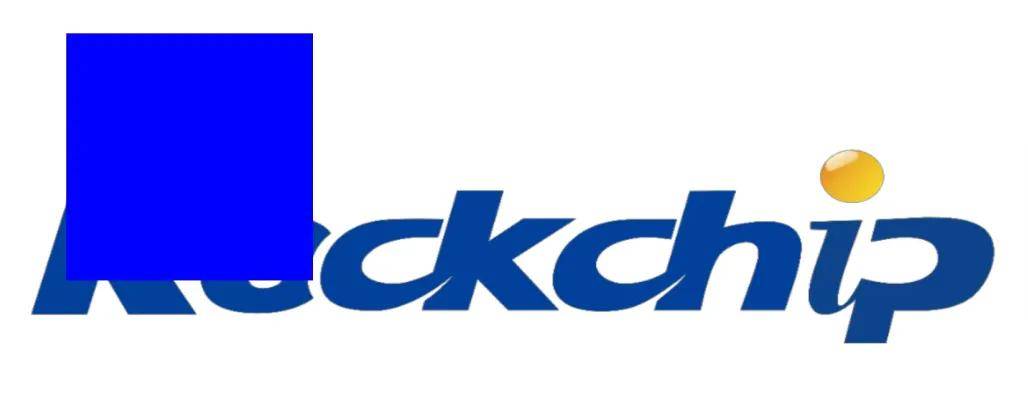
对指定矩形区域进行颜色填充,默认支持填充红、绿、蓝颜色,默认填充在坐标LT(100,100),RT(400,100),LB(100,400),RB(400,400)内的图像。
rgaImDemo --fill=blue
rgaImDemo --fill=green
rgaImDemo --fill=red
以填充蓝色为例进行演示:
./rgaImDemo --fill=blue
填充效果:
更多资料请关注深圳触觉智能
2026-05-27 11:01:35
目录 返回
首页